
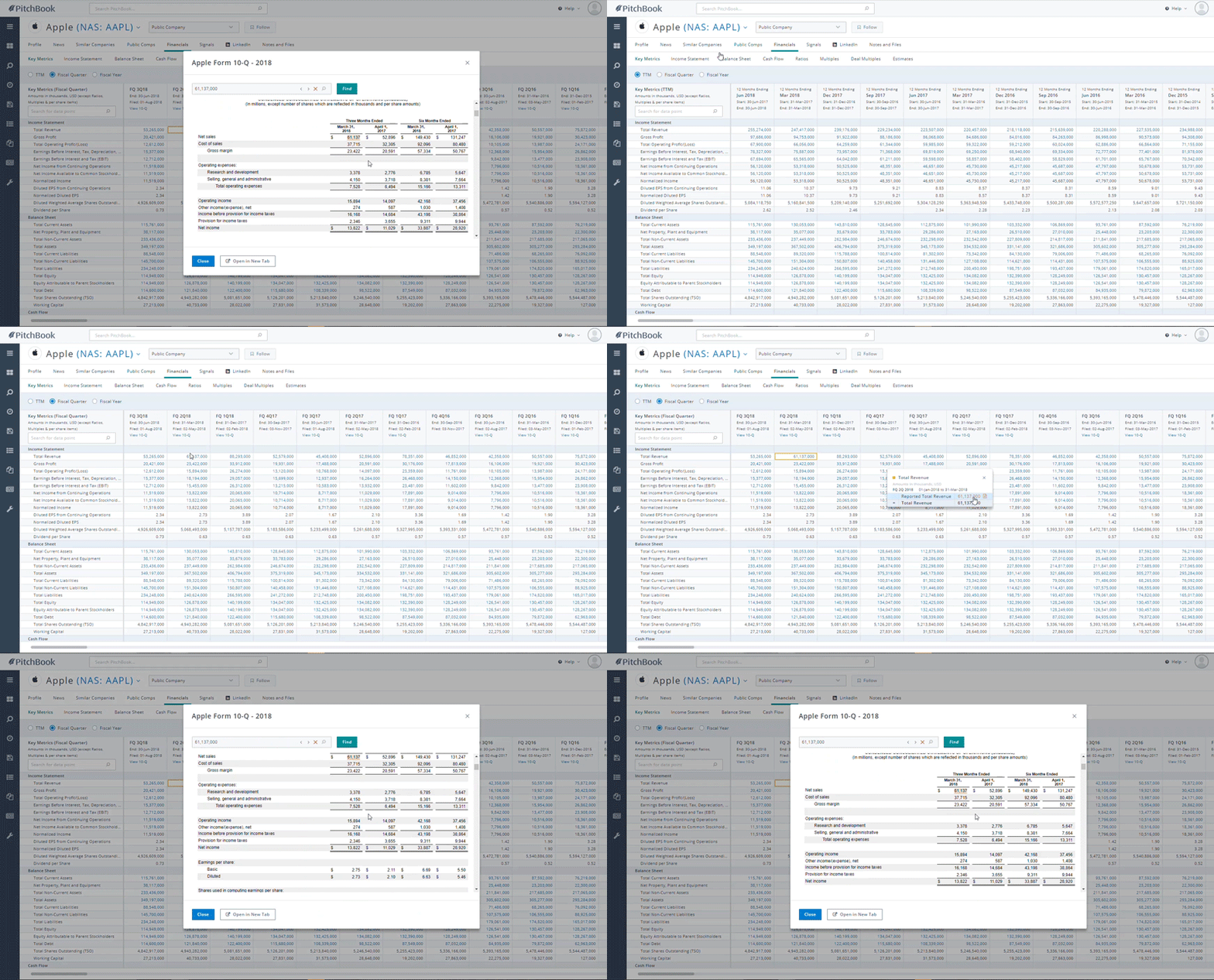
PitchBook now provides public financials transparency so you can analyze the calculation methodology behind key figures like EBITDA and Enterprise Value, as well as navigate to the exact location of a reported value in the original source filings—all directly within the PitchBook Platform.
This is one of many improvements we’ve made to our public market data and functionality over last several years, working in tandem with our parent company, Morningstar, to provide the essential equity data our clients need alongside our industry-leading private market data.
You may remember when we improved our fundamental data last year, adding over 1,000 newly standardized equity data points and calculations that enable our clients to dig deeper into a company’s financials. We also introduced consensus estimates, intraday market data, multi-currency and share class features on both PitchBook Desktop and Excel Plugin. And on the equity research side, we launched the PitchBook Research Center: a new hub for public and private market analyst research all within one centralized location.
We look forward to sharing more results of our partnership with Morningstar in the coming months—and in the meantime, here’s an overview of the latest public data updates now available in PitchBook:
Analyze calculations for key financial data points
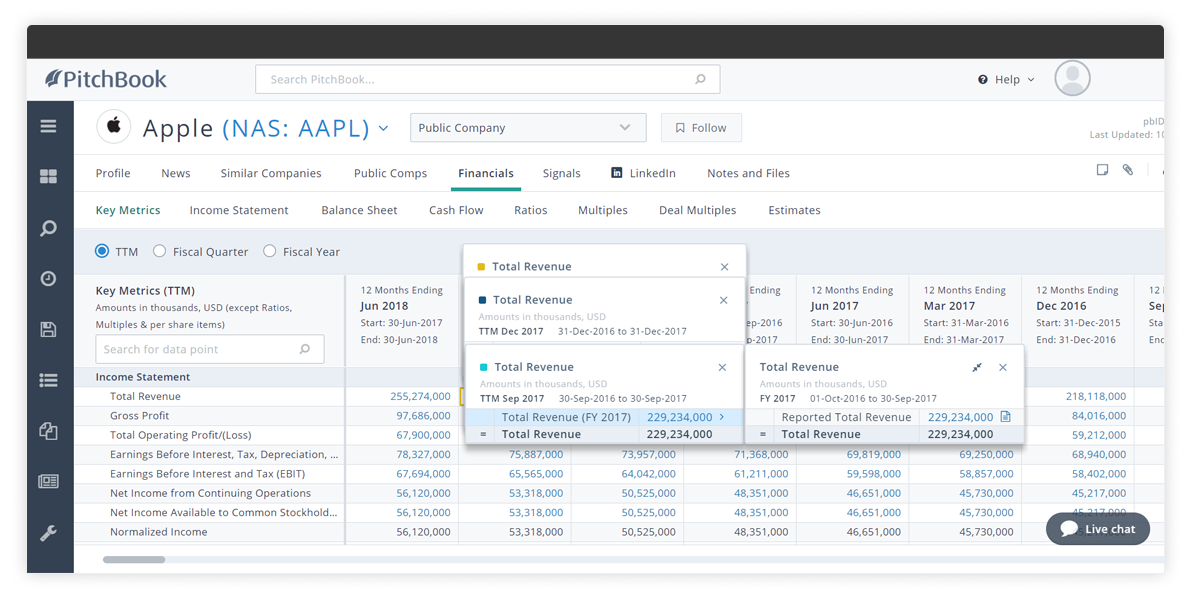
Within the Financials tab on public company profiles, we’ve hyperlinked any data points that can be clicked on for calculation drill down. Now, you can quickly understand the methodology behind calculations, so you can make any adjustments you deem necessary.
Spot checking calculations is fast and flexible. You can open up multiple calculation trails at a time to compare them, move calculation trails around the screen, and quickly map back to the original data point you’re reviewing with color coordinated calculation trails. Just click on the data field cell or “X” out to remove the calculation trails, and minimize calculations with the double arrow icon as needed (useful for longer calculation trails like Enterprise Value).
View source documents for reported values
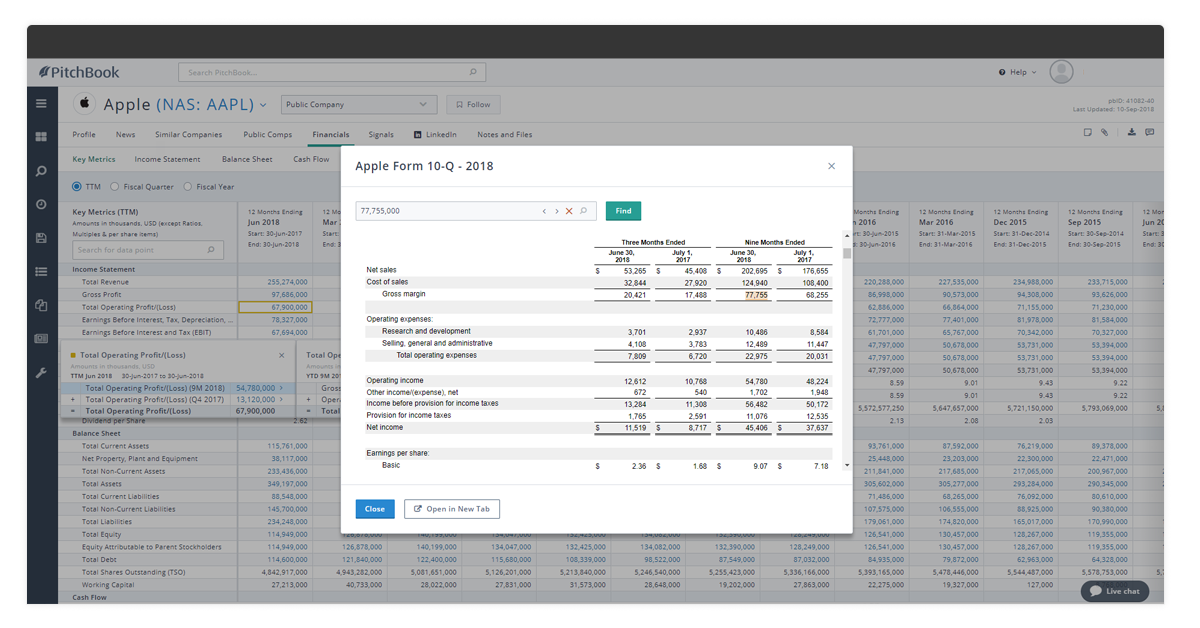
Need to audit a figure in the source document? You can easily trace reported values back to their exact location in source documents. Once you click on a data point field, you can see the timeframe and currency it was reported in, then click on the document icon to view the 10-Q—which will pop up the source filing highlighting the exact location of that data point.
Audit financial data points from PitchBook’s Excel Plugin

Simply right-click on financial data points displayed in our Excel Plugin to audit them in PitchBook Desktop.
Want to explore the new Financials Transparency? Check out Apple’s Financials Tab.
Not a PitchBook client yet? Sign up for a free trial today.


